Freelancer Budget 2027
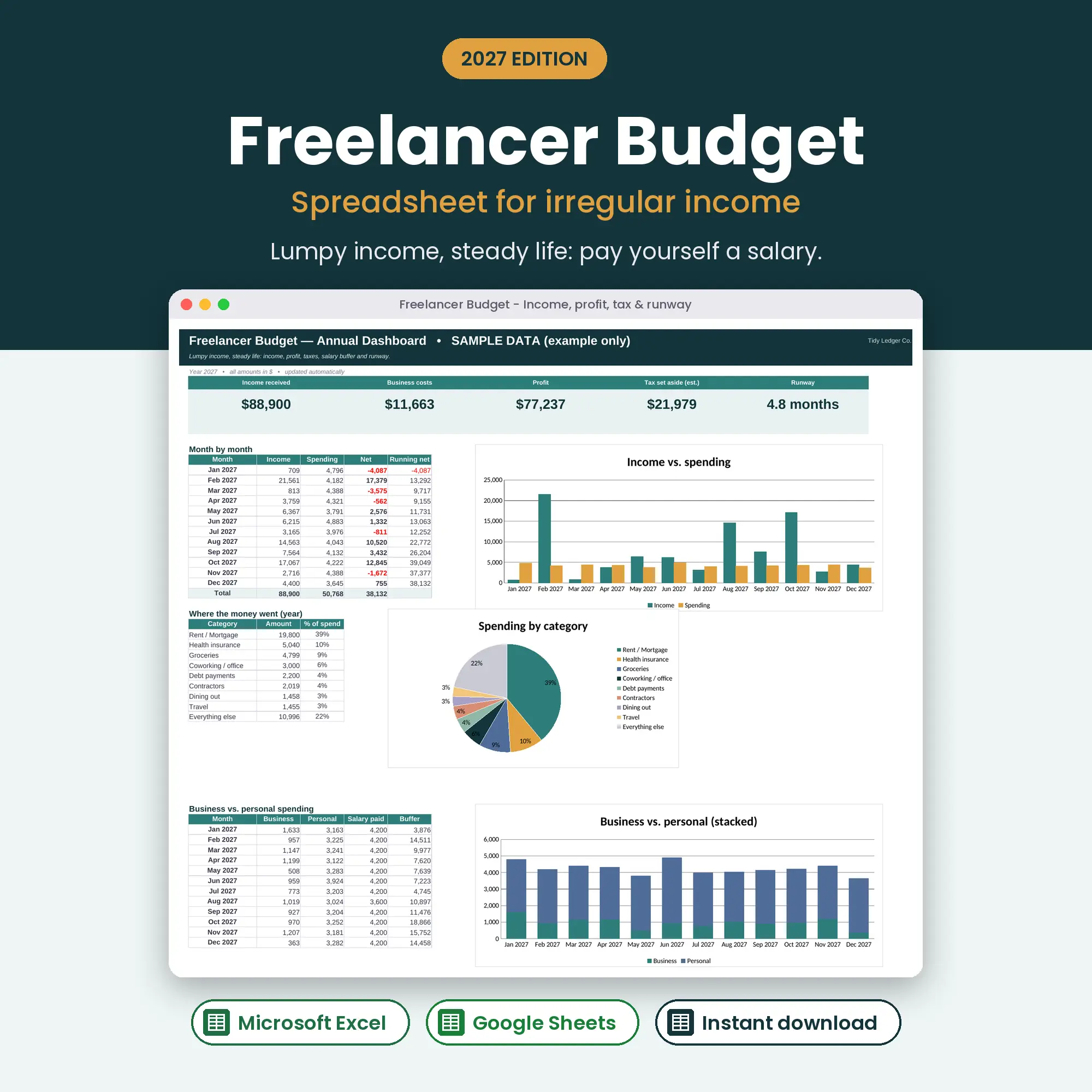
Irregular income, quarterly tax & pay-yourself salary
2027 edition · Excel & Google Sheets
Two incomes, one plan — and no more “who paid for what?”
$8USD
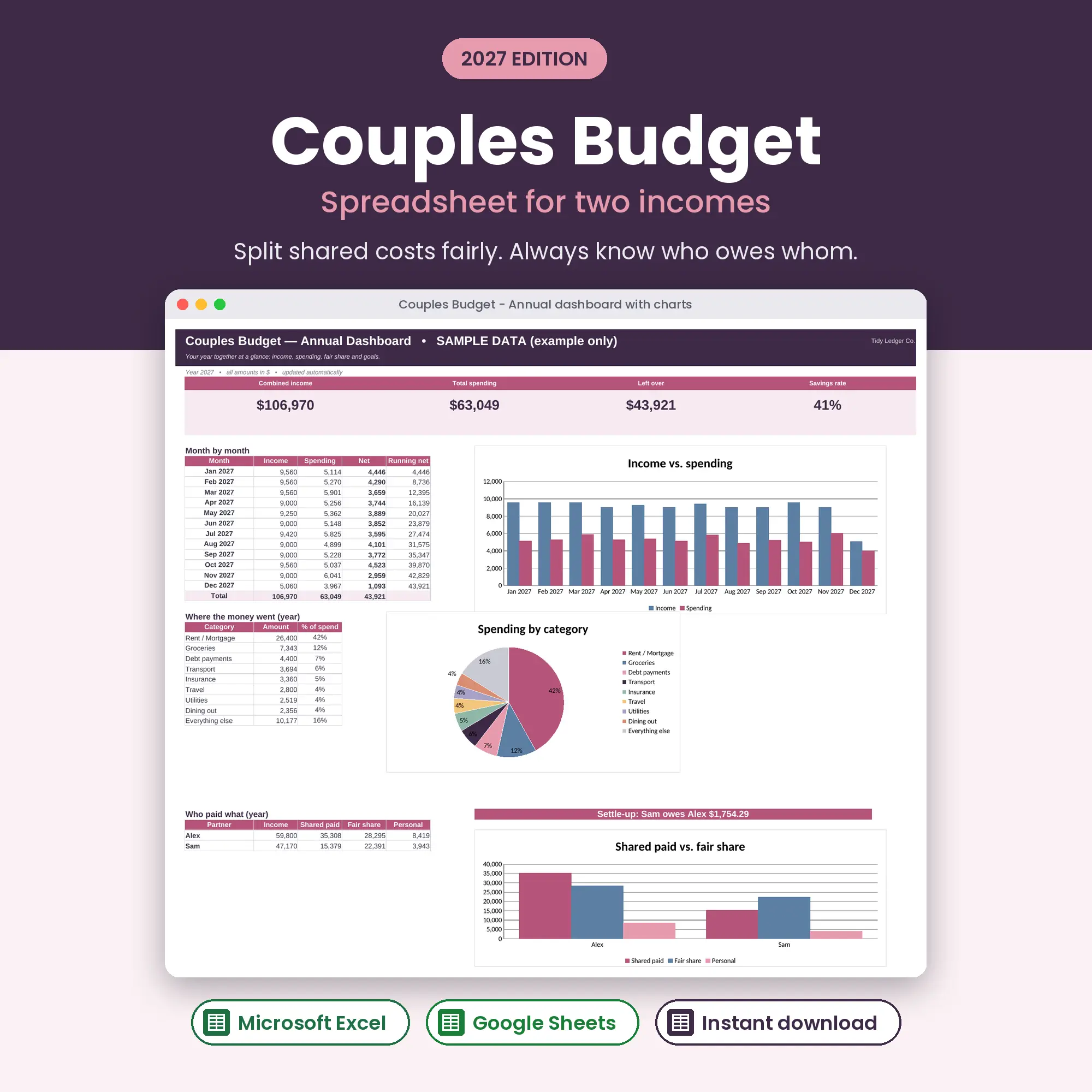
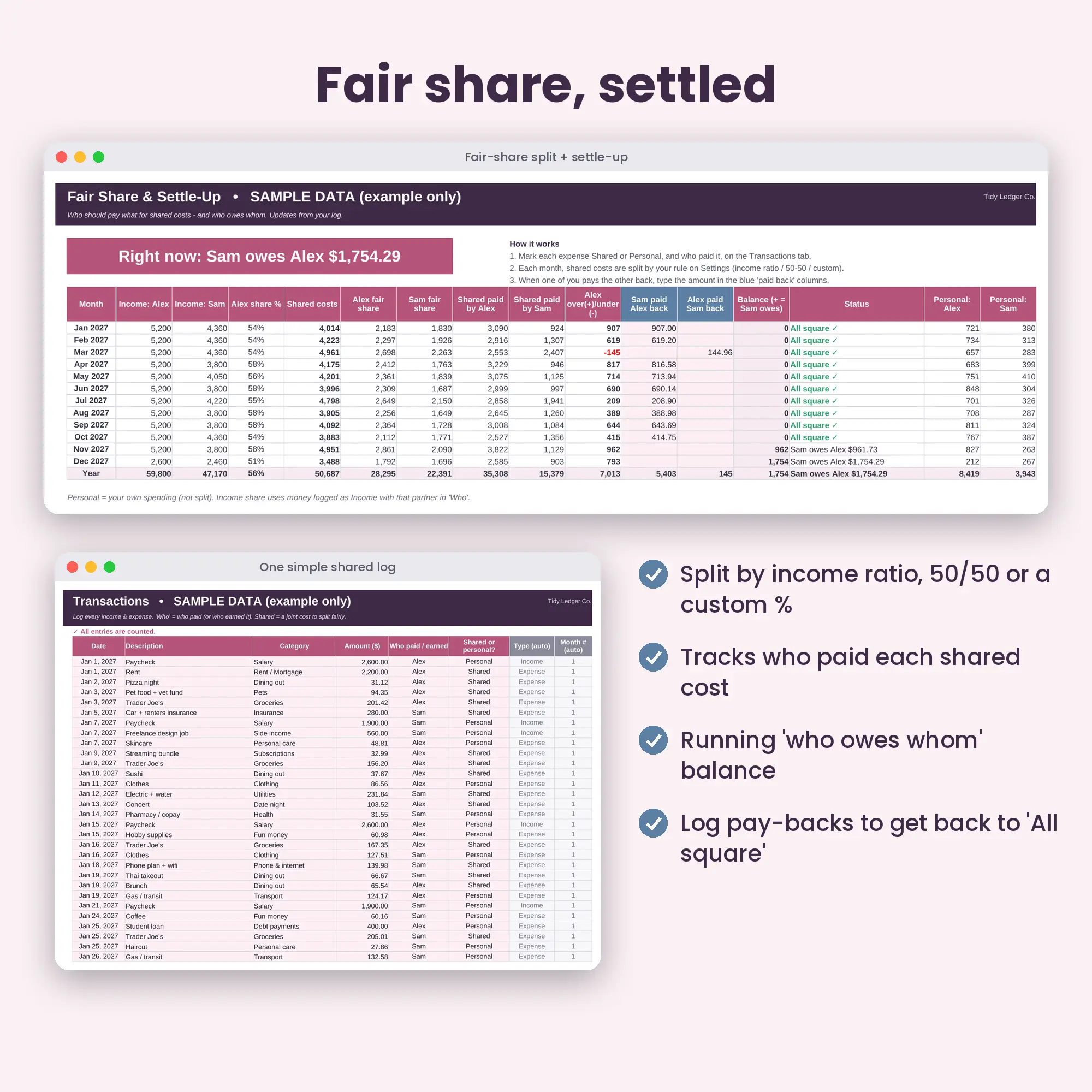
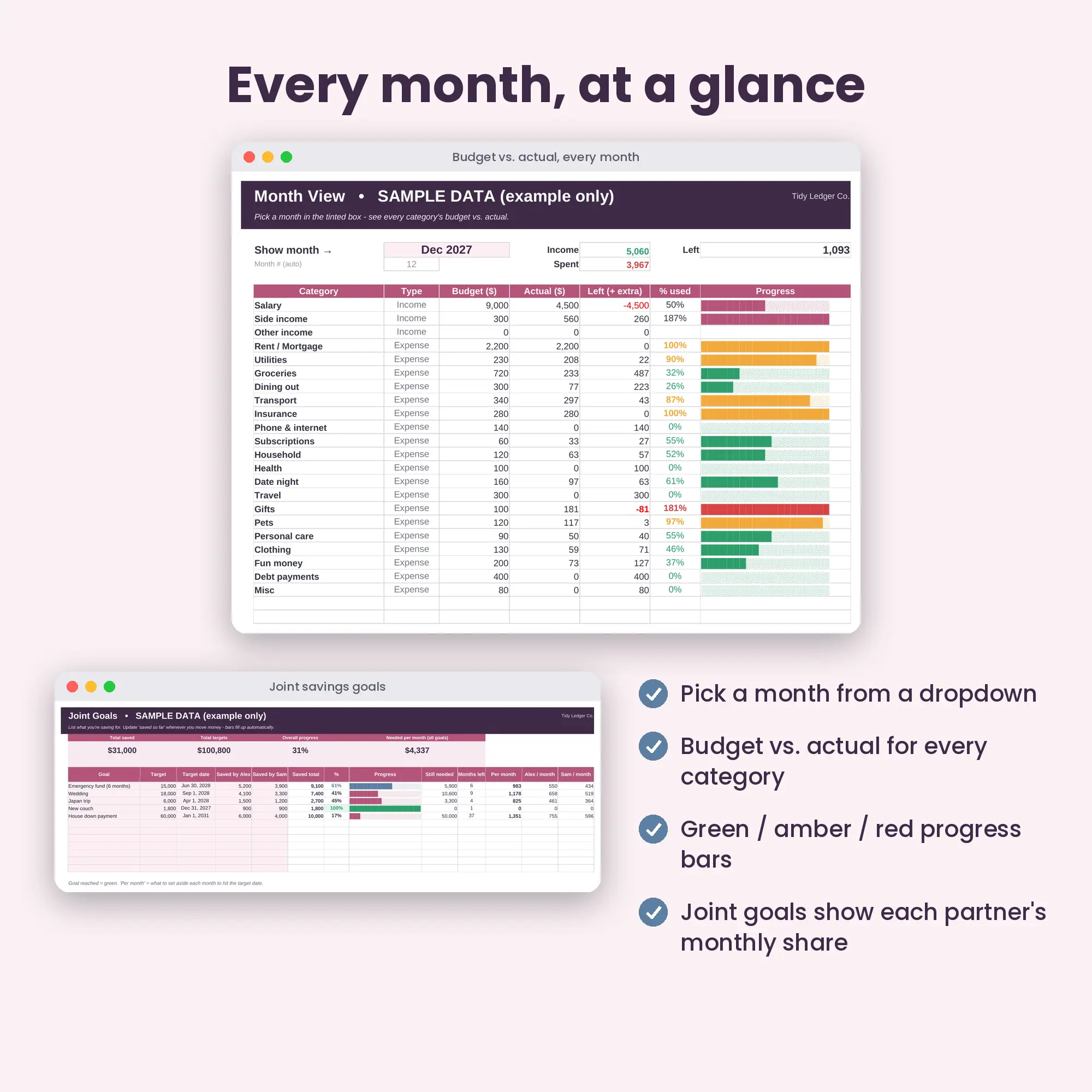
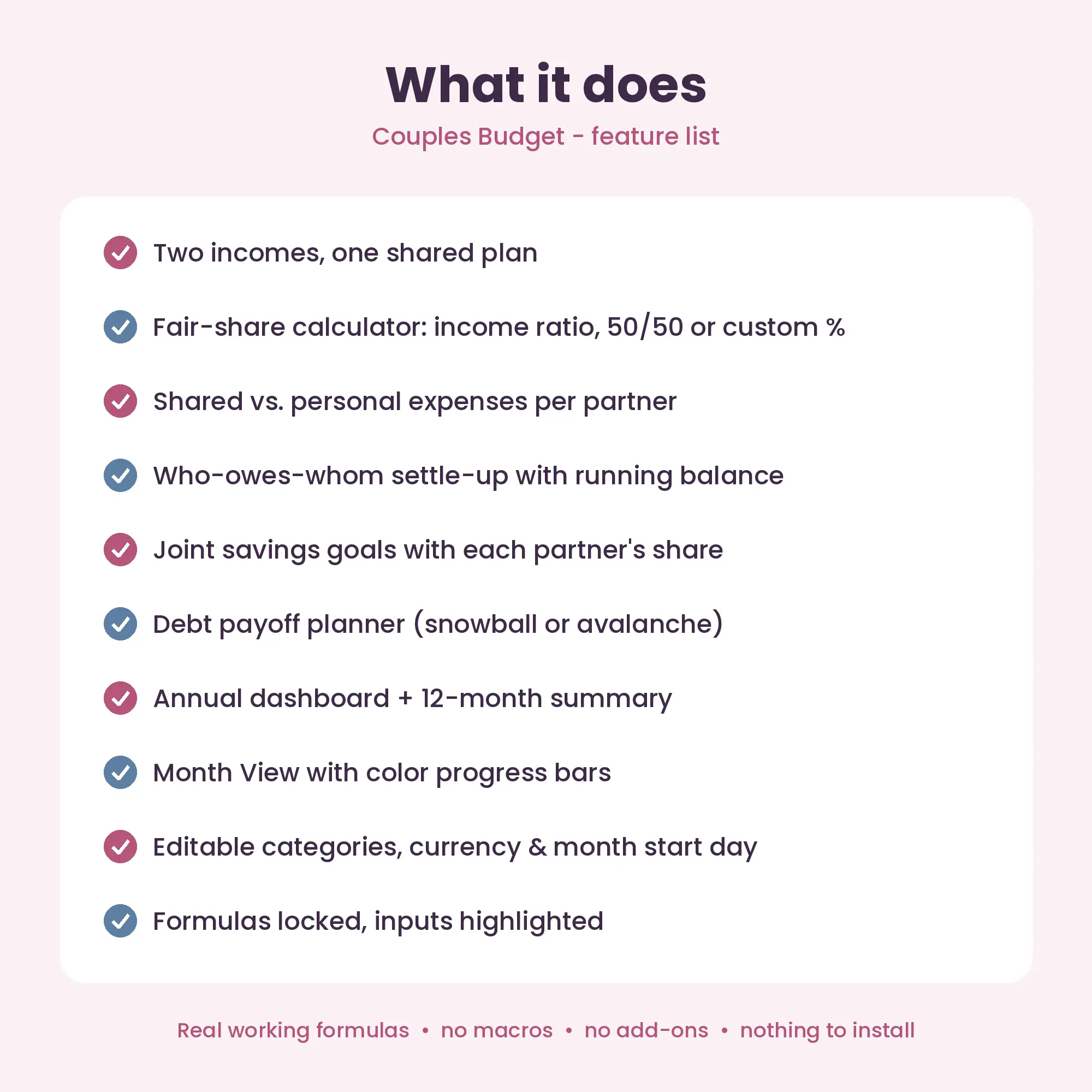
The Couples Budget 2027 is an Excel and Google Sheets spreadsheet for two partners. It logs shared and personal spending, splits shared costs by income ratio, 50/50 or a custom percentage, and keeps a running “who owes whom” balance so settling up takes seconds.
1
Check out
Pay securely. Your download link appears instantly and is emailed to you.
2
Open
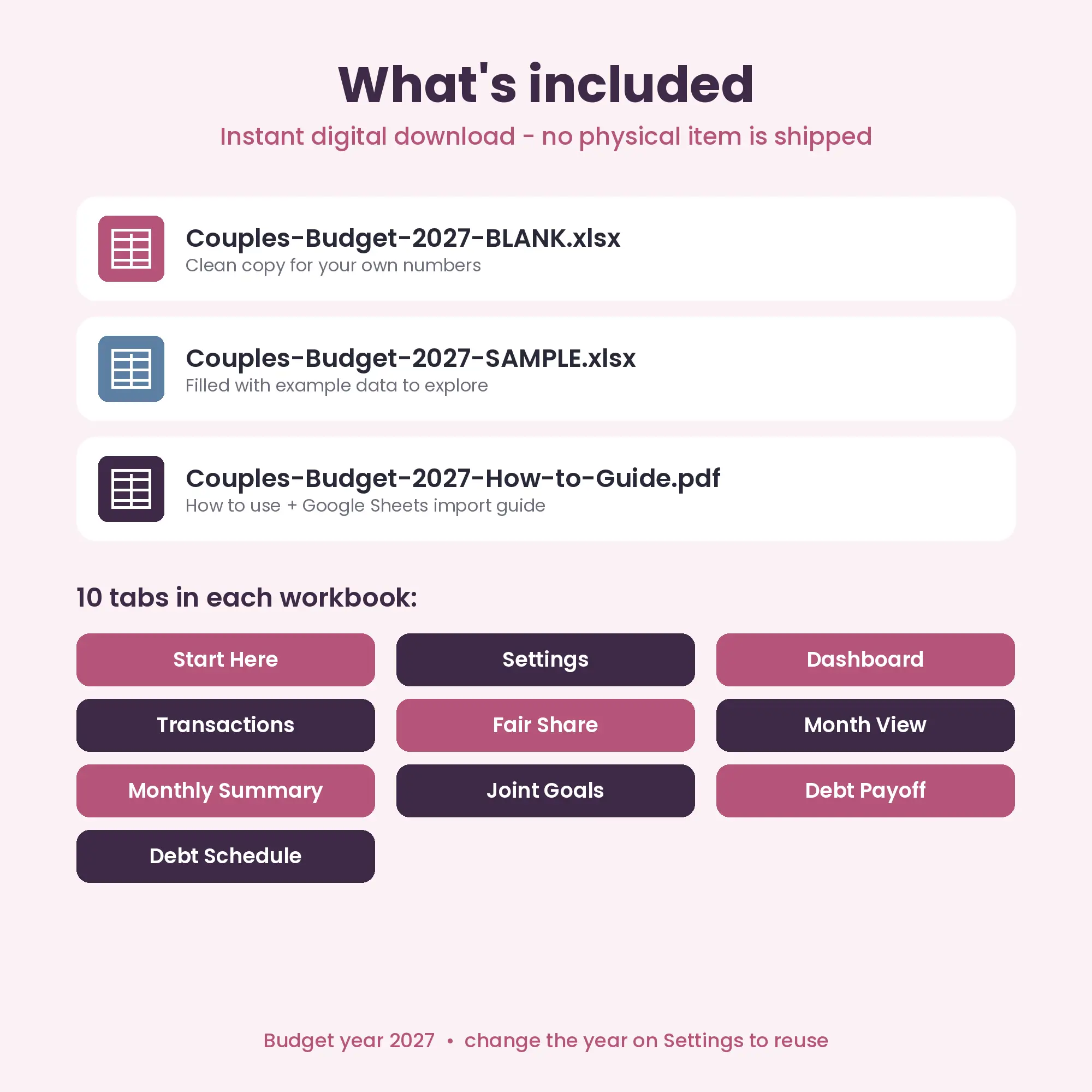
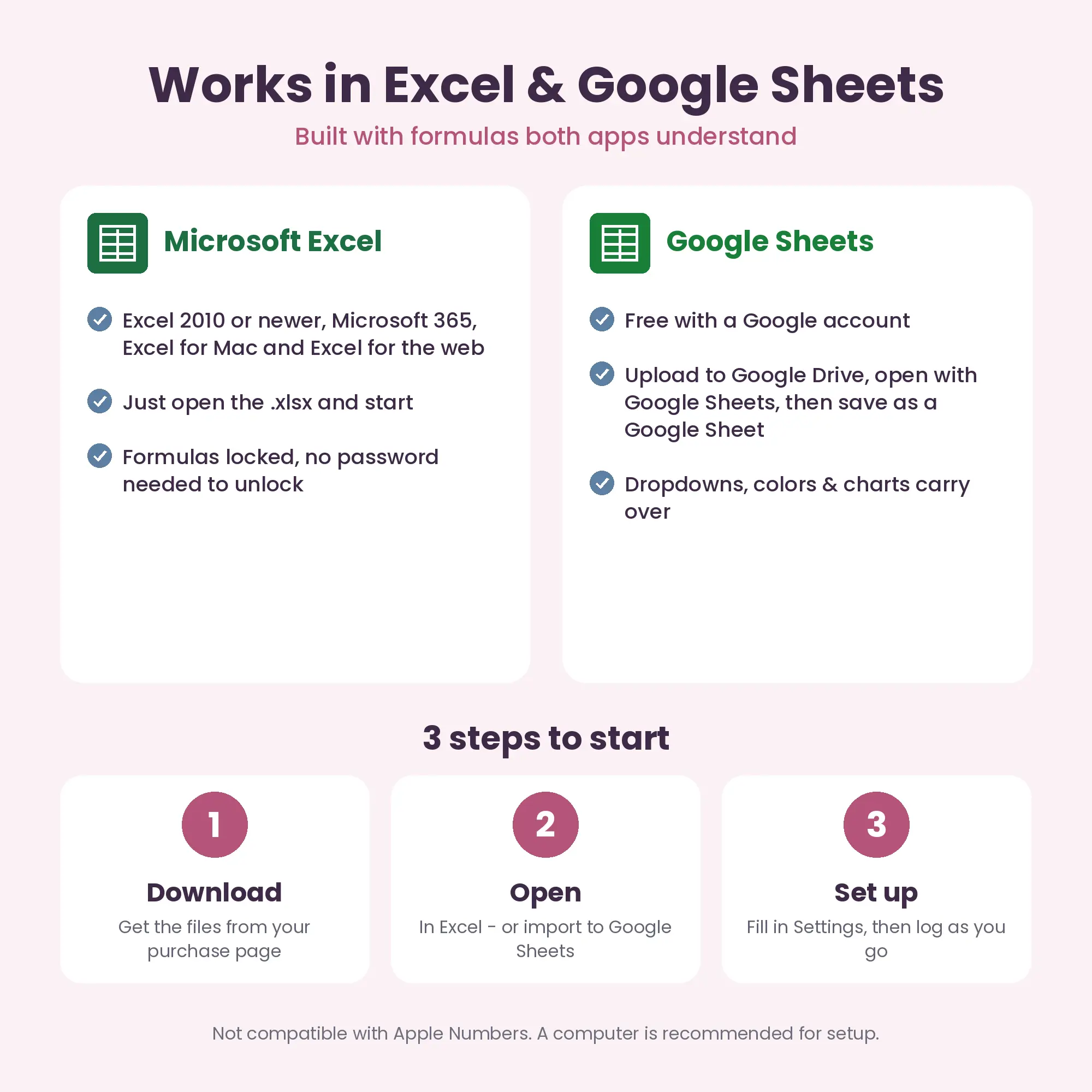
Open the .xlsx in Excel, or upload to Google Drive and open with Google Sheets.
3
Set up
Fill in Settings (currency, budgets, names) and start logging.
Enter both incomes on Settings and choose “Income ratio”. If one partner earns 60% of the combined income, they cover 60% of each shared expense. The Fair Share tab compares what each person actually paid with their fair share and shows the difference.
Yes. Choose 50/50 (or skip the settle-up) and use it as a shared budget with joint goals, a dashboard and a debt planner.
No. It is an instant digital download: you receive the .xlsx files and a PDF guide right after checkout. Nothing is shipped.
No. Google Sheets is free and works in any browser. The included PDF shows how to import the file into Google Sheets in about two minutes.
Yes — in Excel for Mac or in Google Sheets in any browser. Apple Numbers is not supported because it does not handle all the formulas and formatting.
Yes. Start from a fresh copy of the BLANK file and change the Budget year on the Settings tab. All dates and months update.
Any. You type your own currency symbol on the Settings tab (for example $, €, £, ¥ or A$) and every money cell uses it.
It is hard to. Formula cells are locked (sheet protection with no password) and the cells you are meant to type in are highlighted. If you need to customise more, you can unprotect a sheet in one click.
No. These are planning tools. Any tax figures are estimates; please confirm your own situation with a qualified professional.
Couples Budget 2027
Fair-share split & who-owes-whom settle-up
Buy now — $8 USD: Couples Budget 2027Irregular income, quarterly tax & pay-yourself salary
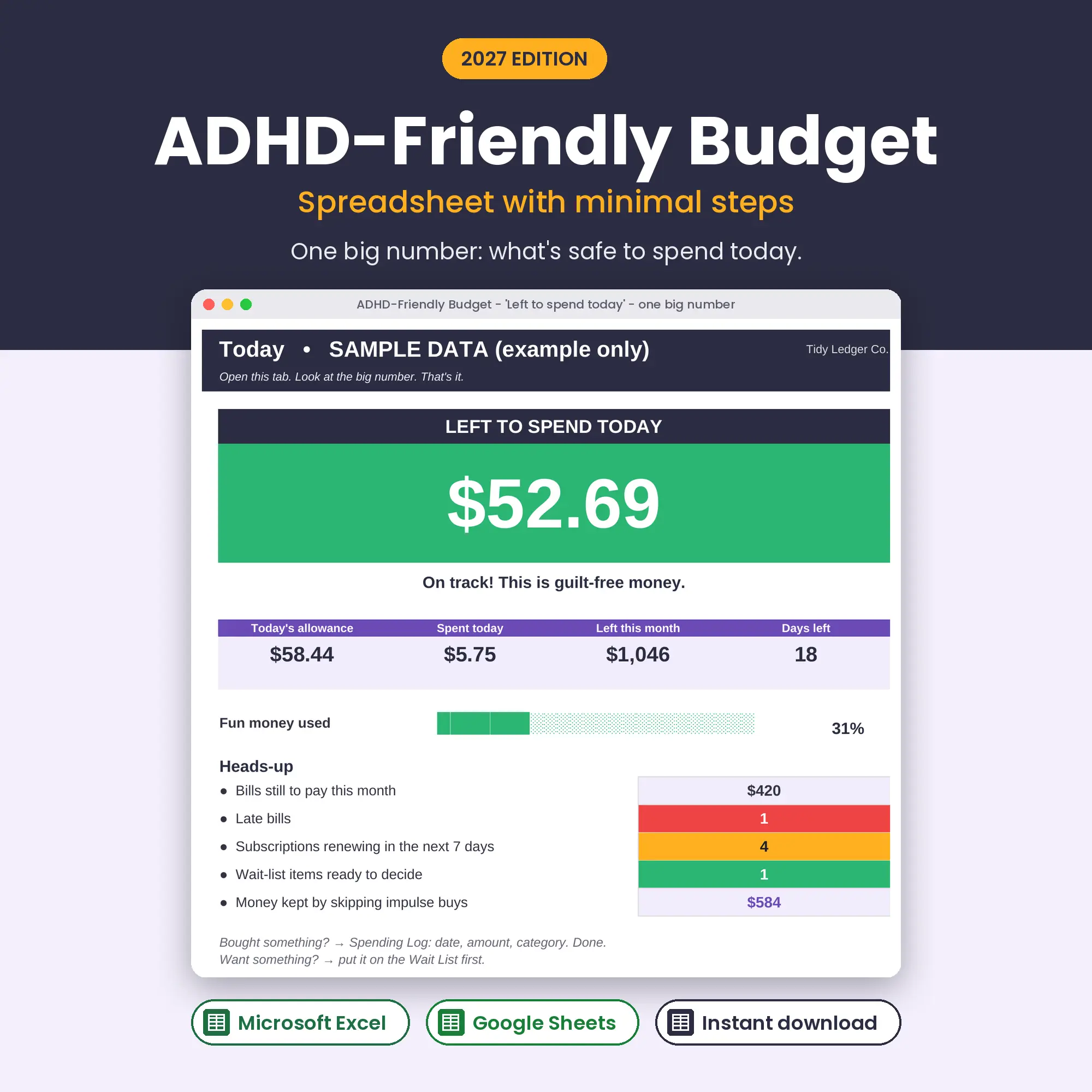
One big number: safe to spend today
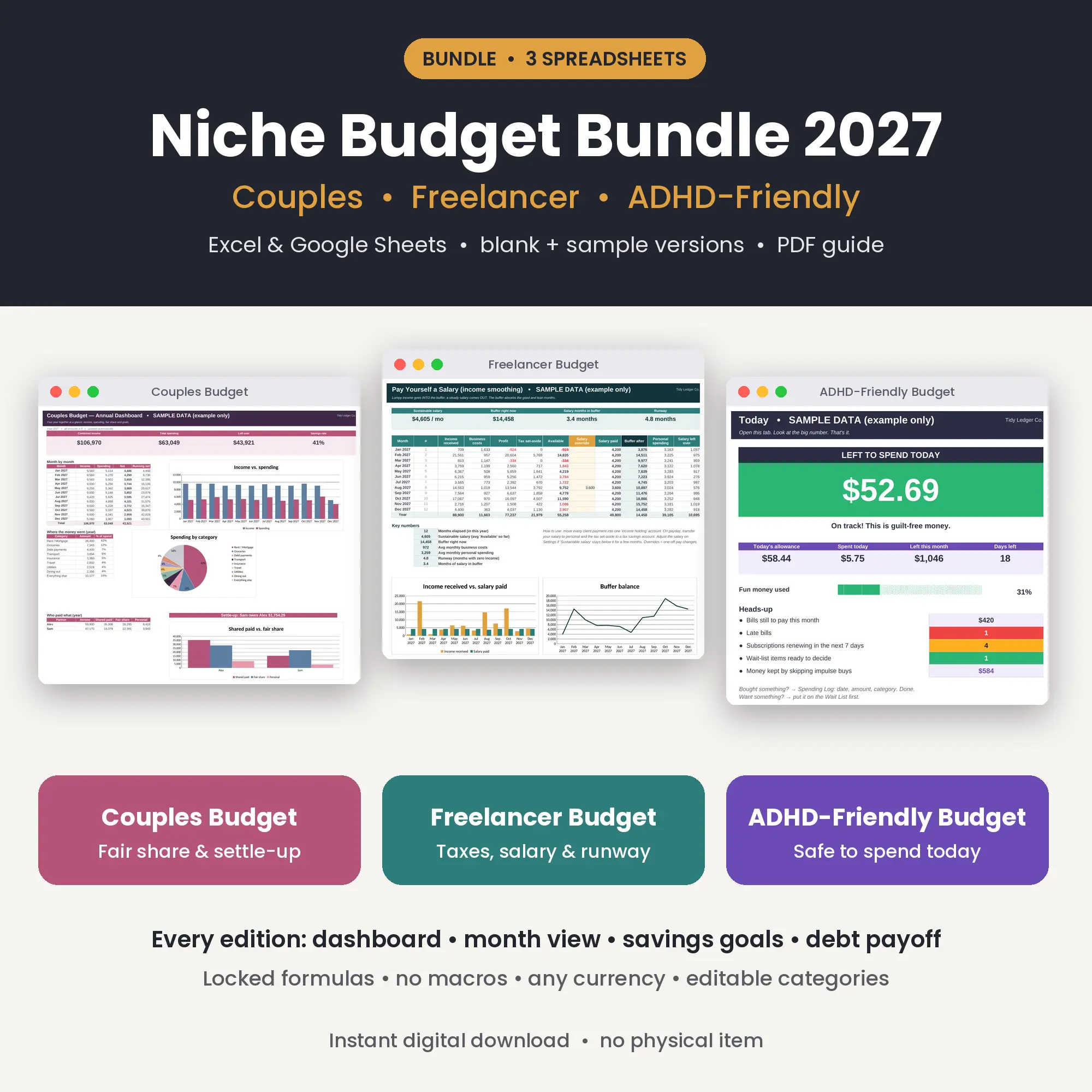
All three spreadsheets: Couples, Freelancer & ADHD-Friendly